Step 1
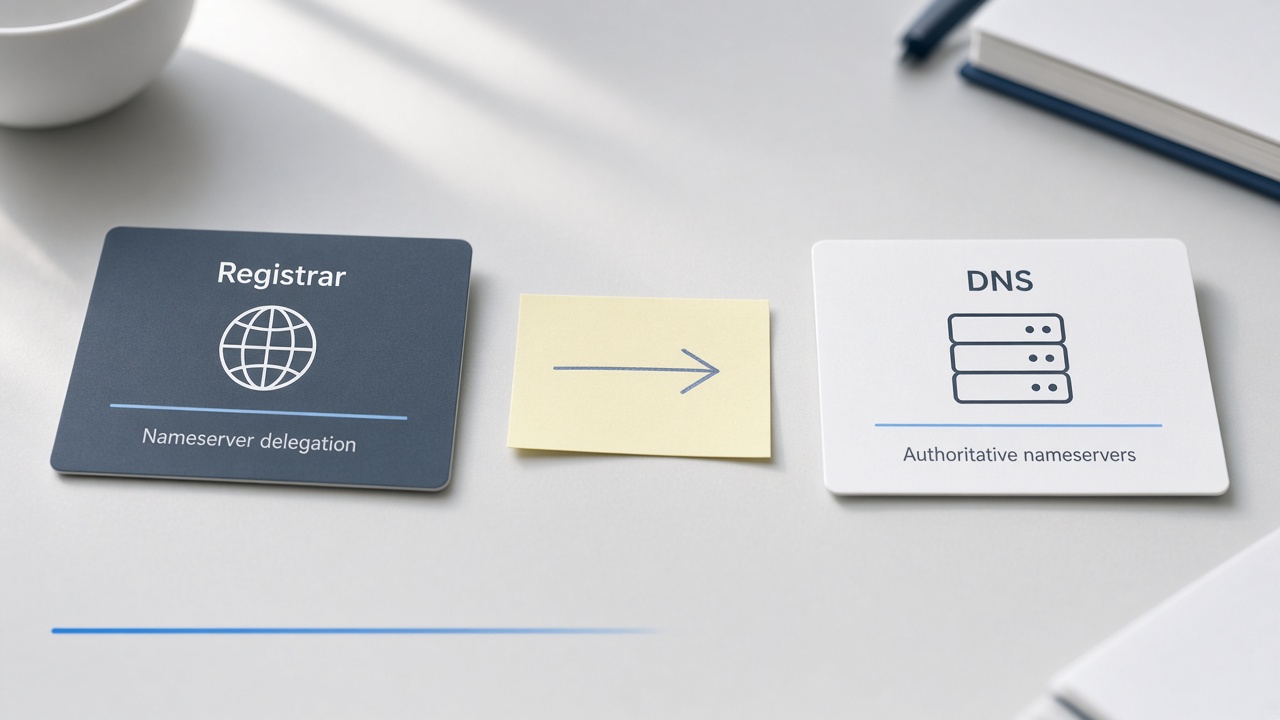
Transfer vs nameserver cutover — decision tree
Prefer nameserver cutover when: you want CF DNS/proxy/Pages, your registrar is fine, and you do not need CF Registrar billing.
You must transfer (or stay put) when: the registrar locks NS changes, you need a product that only exists after transfer, or policy requires the domain object itself to move.
Do not touch: transfer lock, auth/EPP codes, or “move domain to Cloudflare” upsells if all you need is DNS. Those are a different job.
Step 2
Preflight: inventory existing DNS
Before you create anything in Cloudflare, export or screenshot every live record:
- A / AAAA (apex and www)
- CNAME (www, app hosts, email links)
- MX (mail)
- TXT (SPF, DKIM, DMARC, domain verification)
- Any SRV / CAA you actually use
If email works today, treat MX + SPF/DKIM as sacred. Losing mail for a weekend is the classic NS-cutover scar.
Step 3
Create the Cloudflare zone (personal account)
Add the site in Cloudflare. Status will be Pending until the registrar NS change propagates. Pending means CF has a zone ready; it does not mean the internet is using it yet.
Note the two assigned Cloudflare nameservers. You will paste those at the registrar — nowhere else.
Step 4
Recreate critical records before NS change
Copy MX, SPF, DKIM, DMARC, and verification TXT into the Cloudflare zone before you flip nameservers. Recreate apex/www last if you are attaching a new origin (Pages hold, Worker, existing host).
Grey-cloud (DNS only) vs orange-cloud (proxied): mail-related targets and many verification CNAMEs should stay DNS-only unless you know why you are proxying.
Step 5
Change nameservers at the registrar
This is the human step. At Squarespace Domains (and similar), replace the existing NS set with the two Cloudflare nameservers exactly as shown. Save. Do not also start a transfer.
Propagation can be minutes to hours. Local resolvers lie; use DoH or dig against a public resolver when checking.
Step 6
Verify Active
In Cloudflare, wait for Active. Confirm with dig/DoH that NS for the domain match CF’s assignment. If your laptop still shows old NS, flush or use a different resolver before panicking.
Step 7
Attach a hold or real origin without breaking email
Point apex/www at Pages, a Worker, or your existing host. Keep MX aimed at your mail provider. A hold page is fine while you rebuild — SearchHow itself used this path.
Step 8
Failure modes CF docs under-emphasize
Watch for
- Email down — MX/SPF not recreated before NS flip.
- Apex CNAME quirks — some setups need A/ALIAS flattening; know your host’s rule.
- Cached registrar/Google 404 — stale www → ghs.googlehosted.com ghosts; purge expectations, wait TTL.
- SSL pending — Universal SSL can lag; do not thrash records while cert issues.
Step 9
Rollback
Put the old nameservers back at the registrar. Keep your CF zone as a draft if you will retry. Rollback restores prior DNS authority; it does not undo a completed registrar transfer (which you should not have started).
Step 10
Checklist · you’re done when…
Done when
- You changed nameservers only (no transfer, no auth code used)
- Cloudflare zone shows Active
- HTTPS works on apex and www (or your intentional hosts)
- Email still delivers (send a real test)
- You know how to put old NS back